QR4 min
QR Codes: Content, Errors, and Scanning
Understand static QR payloads, error correction, quiet zones, sizing, privacy, and how to verify a code before printing it.
Read more→Free QR code generator: create custom QR codes for text, URLs, WiFi, and contacts. Download as PNG or SVG instantly. No sign-up required. Try it free.
Processing: local in your browser
Generate QR codes for text, URLs, WiFi networks, and contact cards (vCard). Download as PNG or SVG with custom colors and sizes.
The code is generated in your browser without sending its content to ToolsFree. Review the result before sharing credentials or contact details.
Free text, URLs, WiFi credentials (WPA/WEP), vCard contact cards with name, phone, and email.
Static QR codes encode information directly and cannot be changed after generation. Dynamic codes redirect through an intermediary URL and depend on a third-party service. ToolsFree generates static codes without that redirect service. You can encode text, URLs, WiFi credentials, and vCard contacts.
To ensure your QR code is reliable and easy to scan, keep these recommendations in mind. Maintain high contrast between the code and its background: ideally a dark code on a light background. Avoid overly light colors or low-contrast combinations, as they make it difficult for scanners to read. The minimum recommended print size is 2 x 2 cm; for posters or billboards, scale up proportionally. Always leave a white margin (quiet zone) around the code at least 4 modules wide. Error correction is another key factor: a higher level (like H, which can recover up to 30% of data) makes the code more resistant to damage or dirt, but also makes it denser. For long URLs, consider using a link shortener before generating the QR to reduce pattern complexity.
A QR code solves very concrete everyday tasks. To share a venue's WiFi without dictating the password, encode the credentials (SSID, encryption type, and key) and guests connect by scanning. A vCard contact card lets someone save your name, phone, and email to their address book in a single scan, which is handy on business cards or email signatures. A link to a restaurant menu, a form, or an event page avoids typing long URLs. In all of these cases, test the code on several phones and in low light before printing or publishing it.
Error correction defines how much of the code can be damaged and still read correctly. There are four levels: L recovers up to 7% of the data, M 15%, Q 25%, and H 30%. A higher level adds redundancy, so the pattern becomes denser and the code needs more space or better resolution to scan. For screens and digital use, L or M are usually enough. For print, environments where the code may get dirty or worn, or when you overlay a logo in the center, choose Q or H so the code tolerates that loss of information and keeps working.
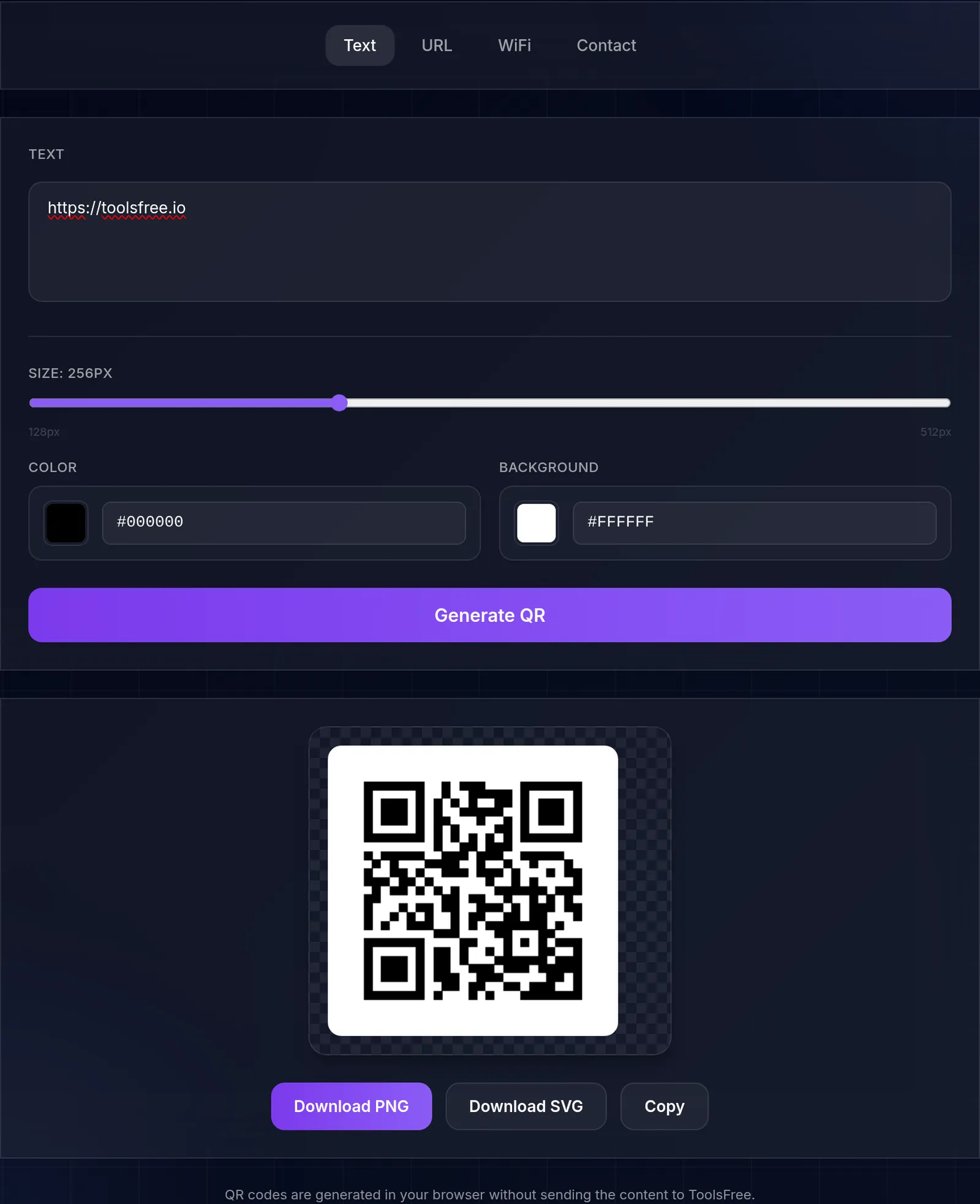
We read the version steps straight off the canvas this tool draws, at error-correction level M. Up to 14 ASCII characters the symbol stays at version 1 (21 modules per side); past that it steps to version 2 (25), then version 3 (29). The real limit is counted in UTF-8 bytes, so an accented letter costs two and an emoji anywhere from three to eight — and far more for sequences such as a family with skin tones. We probed with ASCII, where one character is one byte. Printed at the same width, a version-3 module is drawn 22% smaller than a version-1 one — and that is what the camera has to resolve. We measured at one fixed print width, so what this shows is that at a given width a shorter URL is the only lever on module size; we did not compare it against printing larger.
Measured on with Chromium 151.0.7922.173. How we measured it
Learn more with related in-depth guides and tutorials.
Understand static QR payloads, error correction, quiet zones, sizing, privacy, and how to verify a code before printing it.
Read more→Learn what a password generator can and cannot guarantee, why length and randomness matter, and how to store unique passwords safely.
Read more→QR codes are generated in your browser without sending the content to ToolsFree.